
[vc_row][vc_column][vc_column_text]Add A Bookmark Button:
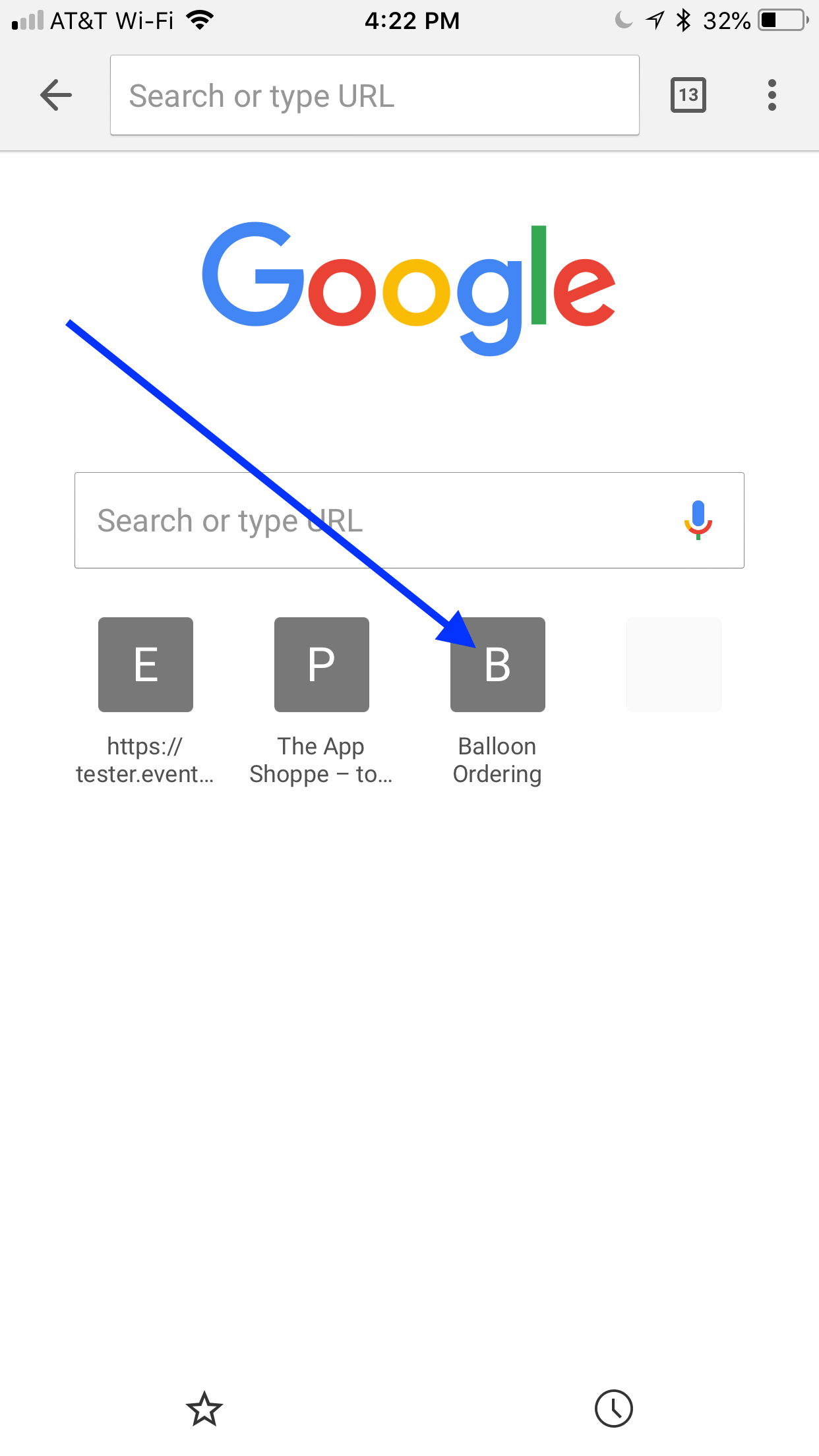
Here is the easy access to login to Balloon Ordering app. Place a bookmark on your cell phone and on your computer browser. I’ll show you what it will look like here.
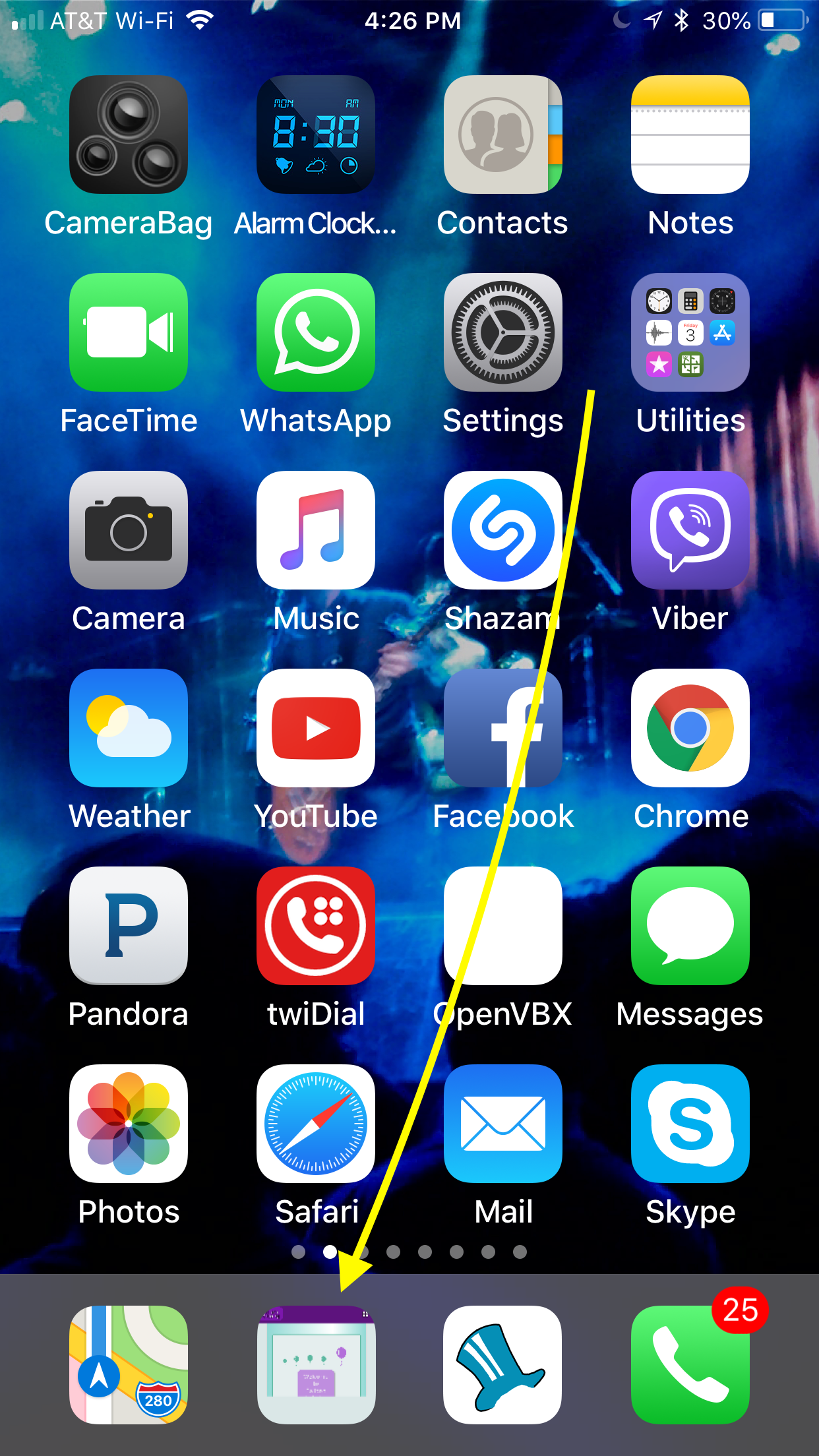
Easiest access to the app is by adding the button at the bottom of your mobile screen. To log in, all you will need is your email address and password after the click.
To make the bookmark, navigate to your account by typing in your account name which is https://XXYYY.balloonbase.biz. To see my account below, it’s “pat” at the top, which displays as “https://pat.balloonbase.biz”. Type your unique site name like this into your browser. Your account is your business name, the link we sent on the original access email to you recently.
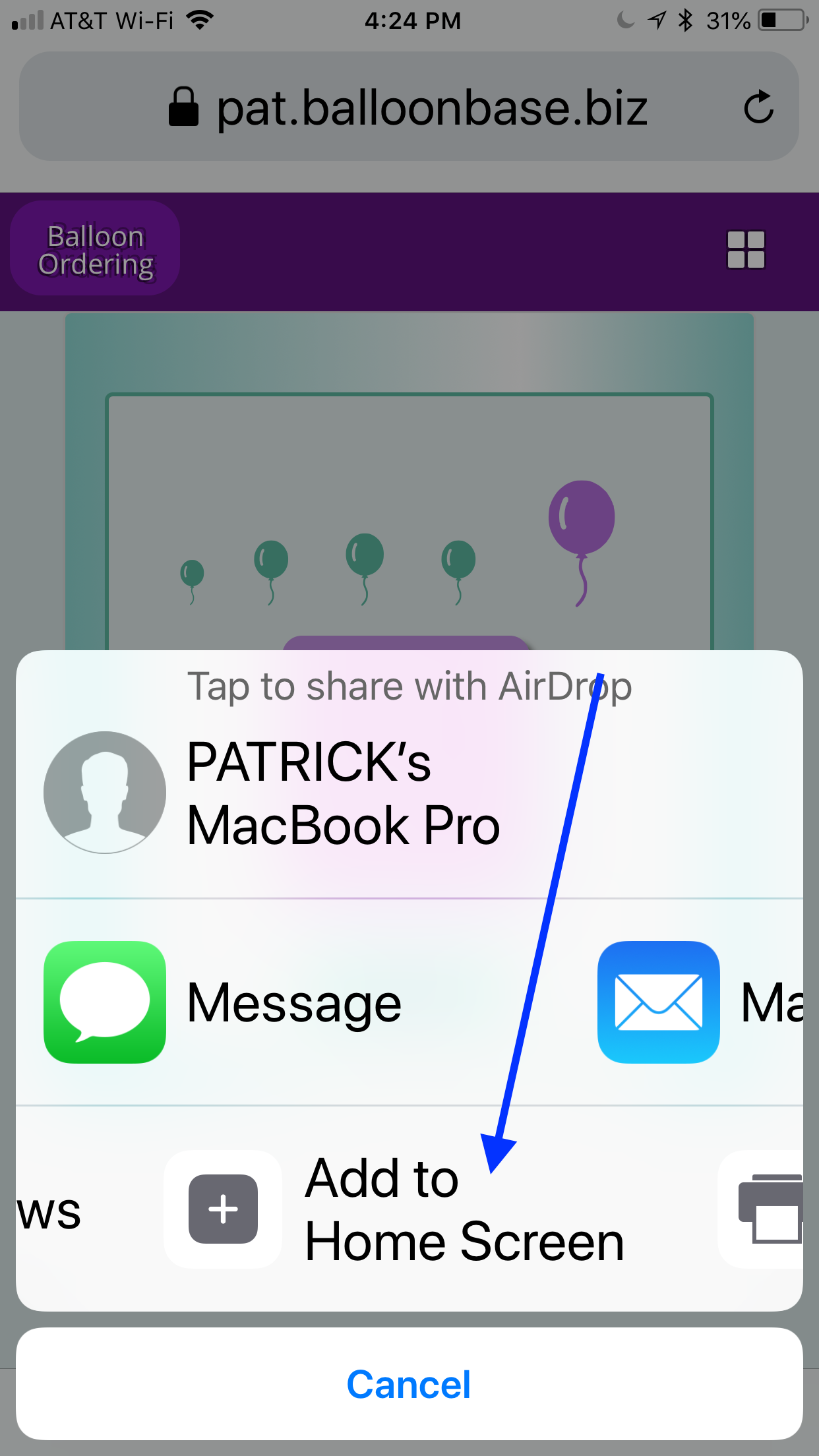
The little icon on Apple iOS phones will allow you to create this button on your home screen.
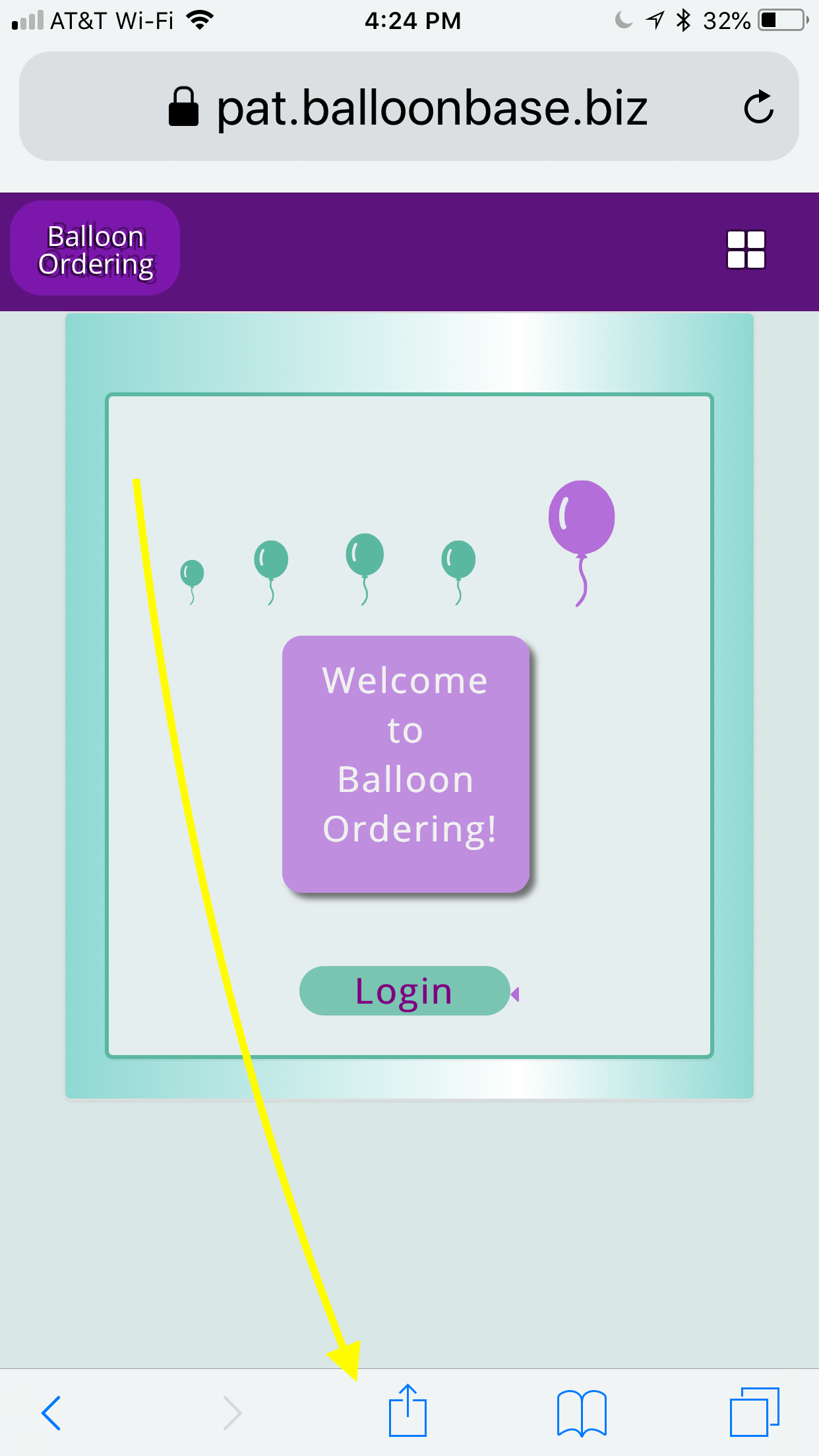
Here is the exact click you will make on Apple iOS phone:
On Desktops:
On the desktop computer, you will add bookmarks through the browser. They will look like this:
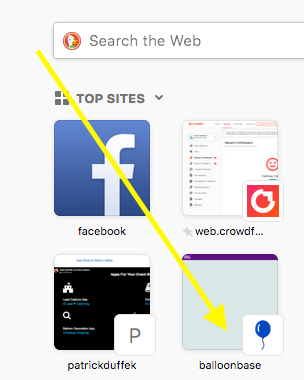
The bookmark can also look like this:
Questions?
Email us and ask about your specific device.[/vc_column_text][/vc_column][/vc_row]